

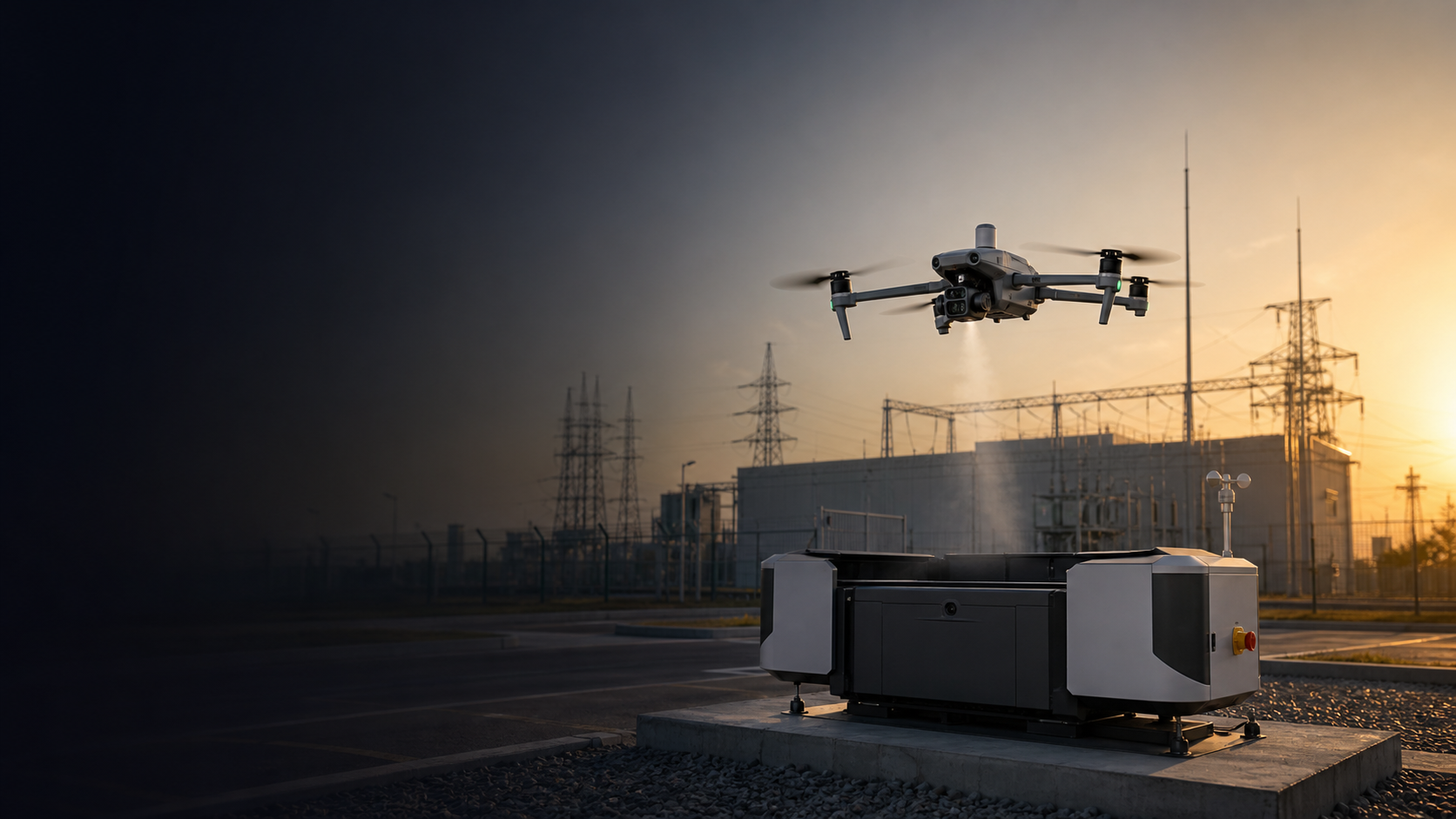
DJI Matrice 4D
A dock-based enterprise drone solution for fixed-site inspection, scheduled patrols, remote monitoring, emergency response, and unattended operations with DJI Dock 3 and FlightHub 2.
When should a buyer choose Matrice 4D with DJI Dock 3?
Matrice 4D is not mainly a portable drone decision. It is a remote operations decision for sites that need repeatable coverage without sending a pilot every time.
Best fit for
- Fixed sites that need scheduled patrols, recurring inspection, or remote status checks.
- Power substations, industrial parks, oil and gas sites, solar farms, ports, and mining areas.
- Teams that want to reduce manual site visits and improve response speed.
- Security, emergency response, and incident monitoring workflows that benefit from a drone always staged on site.
- Customers evaluating Dock 3, FlightHub 2, aircraft, accessories, installation, and maintenance as one system.
Not the first choice for
- One-off field missions where a pilot can easily bring a Matrice 4 Series aircraft manually.
- Heavy payload inspection or mapping projects that need Matrice 350 RTK or Matrice 400.
- Sites without a suitable installation location, network, power, operating permission, or maintenance plan.
- Simple aerial photography or temporary site documentation.
The buying decision is Matrice 4D or Matrice 4TD, plus Dock 3 and software workflow.
This is the page section that helps buyers understand what they are actually configuring.
Choose 4D for visual inspection, site documentation, and recurring fixed-asset patrols.
Matrice 4D is the better direction when the site mainly needs scheduled visual checks, progress records, mapping-style data capture, or routine infrastructure observation.
Best buyer: utility facilities, solar farms, industrial parks, construction sites, ports, and fixed assets that need repeated visual data.
Choose 4TD for thermal patrol, night response, public safety, and remote security.
Matrice 4TD is the better direction when the site needs thermal observation, security patrol, emergency response, night operations, or fast remote scene awareness.
Best buyer: public safety teams, industrial safety teams, oil and gas facilities, perimeter security, and emergency response workflows.
Think of Matrice 4D as a remote inspection system, not just an aircraft.
A successful Dock project needs aircraft, dock, software, site deployment, network, permission, maintenance, and mission planning to work together.
1. Site Deployment
Install Dock 3 at the target site with power, network, security, and safe takeoff and landing conditions.
2. Aircraft Selection
Choose Matrice 4D for visual/data workflows or Matrice 4TD for thermal, security, and night response.
3. Remote Operation
Use software workflow for mission planning, fleet management, live view, and inspection result review.
4. Maintenance Plan
Plan battery cycles, dock upkeep, site checks, firmware, regulations, and operational responsibility.
Use Matrice 4D where the value is repeatable coverage from a fixed base.
These are not generic drone scenarios. They are Dock-based operational use cases.
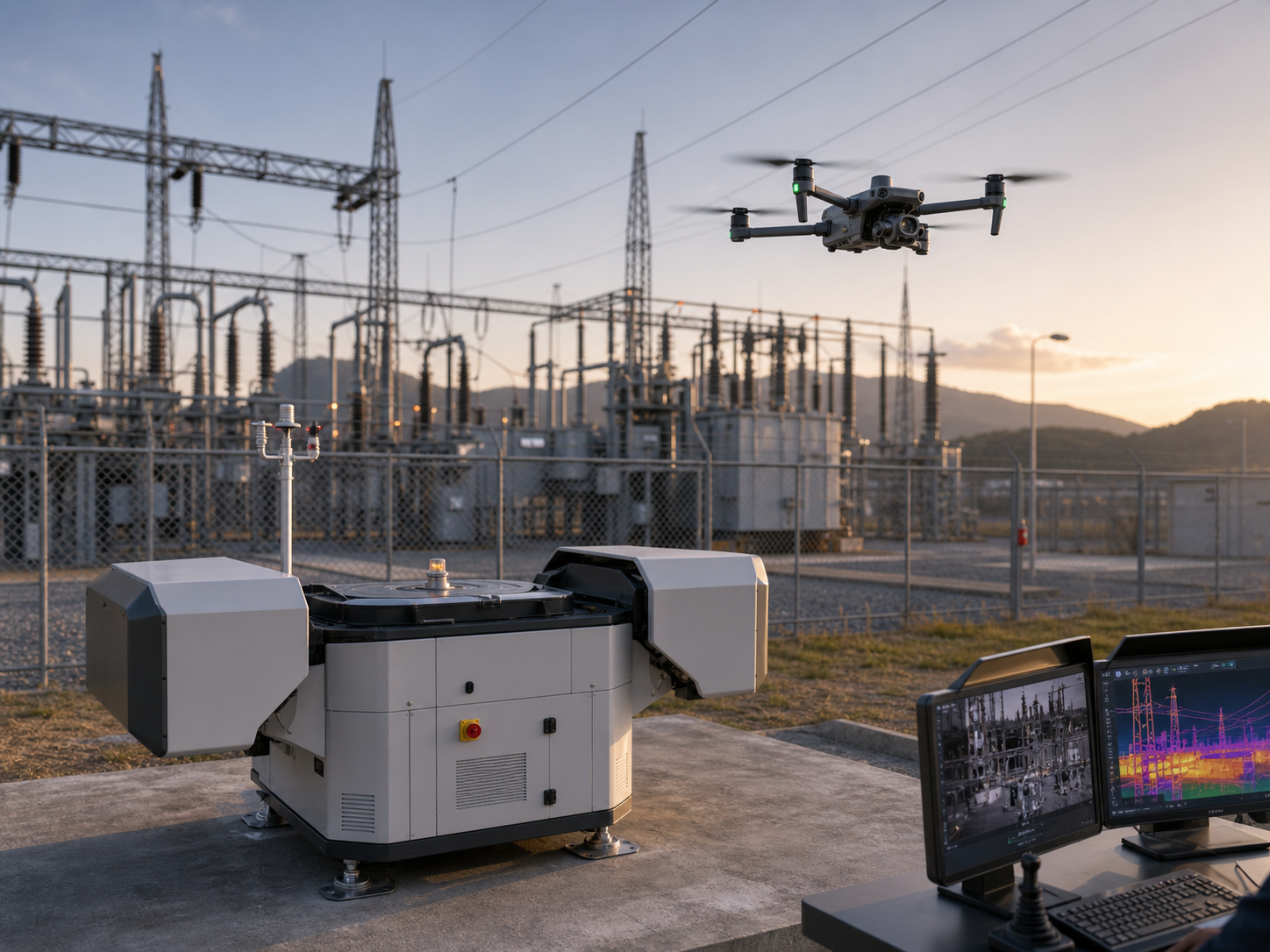
Substation and fixed asset inspection
Run scheduled inspection routes for substations, grid facilities, tower yards, and utility assets without sending a pilot for every routine check.
Recommended setup: Dock 3 + Matrice 4D or 4TD + FlightHub 2.
Choose 4TD when thermal observation or night monitoring is required.
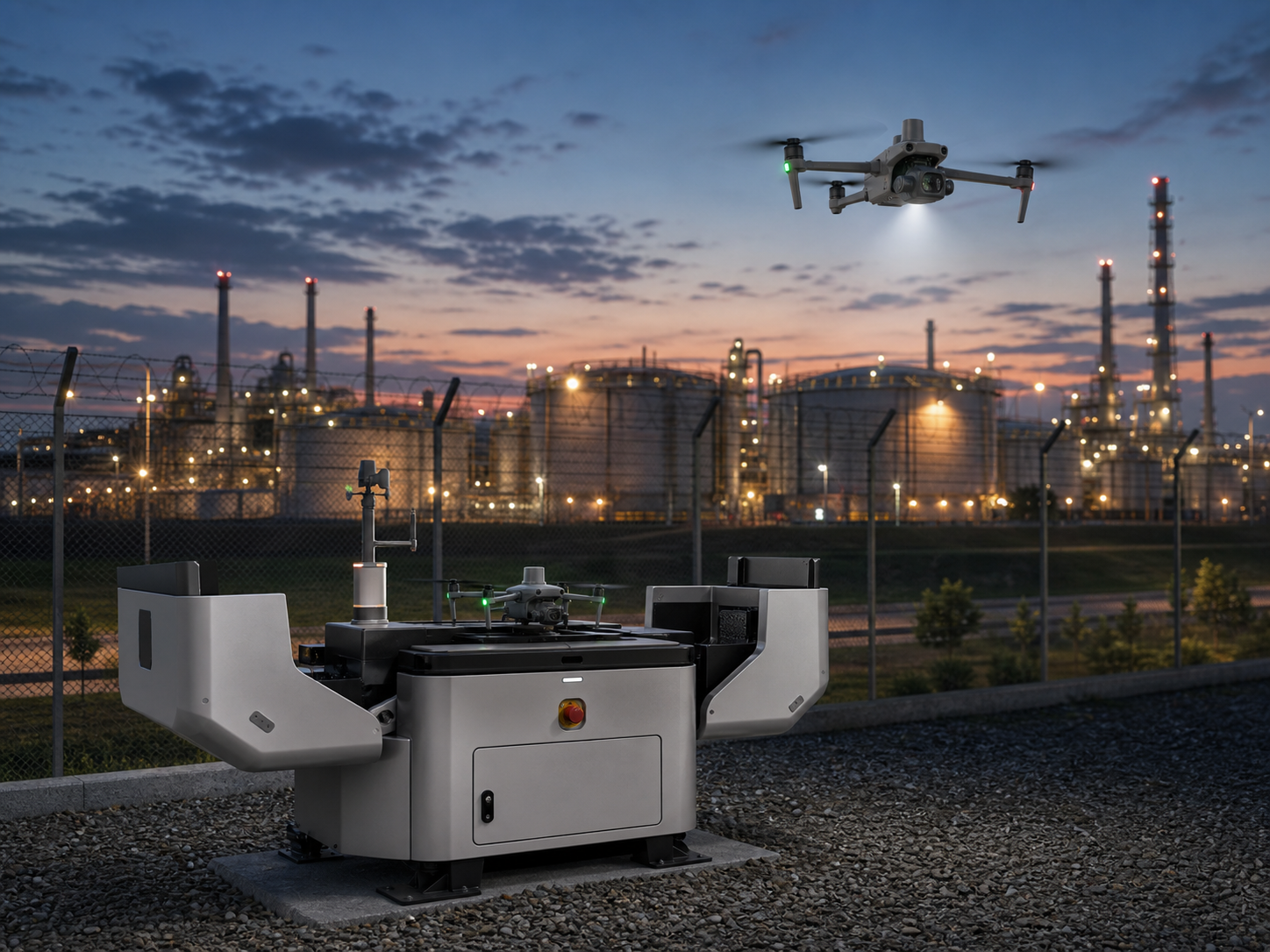
Remote industrial safety patrol
Monitor refinery perimeters, pipeline corridors, storage tanks, restricted zones, and safety incidents from a fixed remote drone base.
Recommended setup: Dock 3 + Matrice 4TD + thermal patrol workflow.
Choose it when safety teams need fast remote awareness without entering the site first.
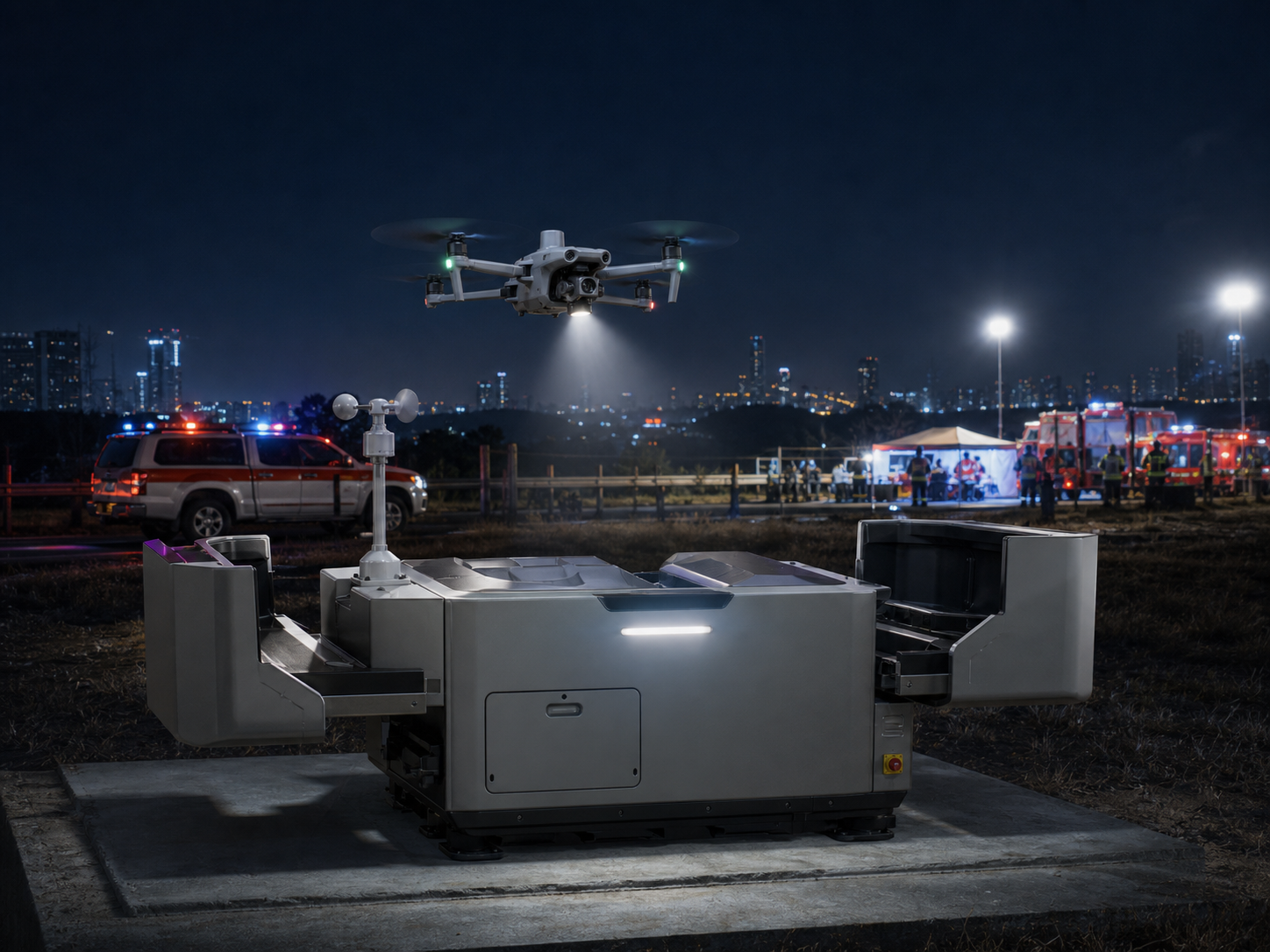
Dock as First Responder
Launch remotely for incident overwatch, fast scene awareness, thermal search, night response, and command support before ground teams arrive.
Recommended setup: Dock 3 + Matrice 4TD + speaker/spotlight + FlightHub 2.
Choose 4TD when the response workflow depends on thermal or nighttime operation.
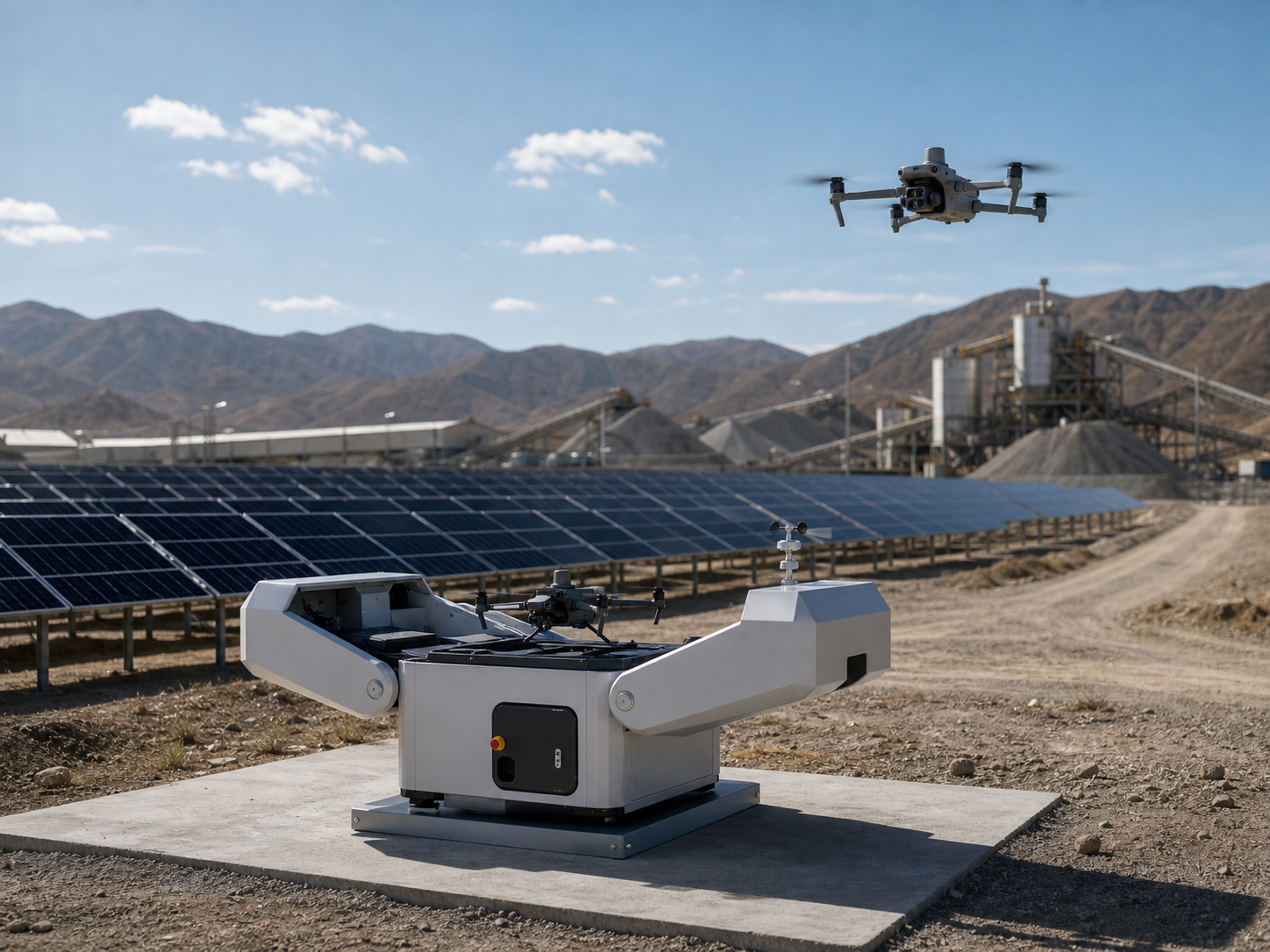
Solar farm and renewable energy monitoring
Perform repeatable patrols over large solar sites, wind farm support areas, access roads, perimeter zones, and maintenance hotspots.
Recommended setup: Dock 3 + Matrice 4D or 4TD + scheduled route plan.
Choose 4D for routine visual documentation; choose 4TD when thermal checks are required.
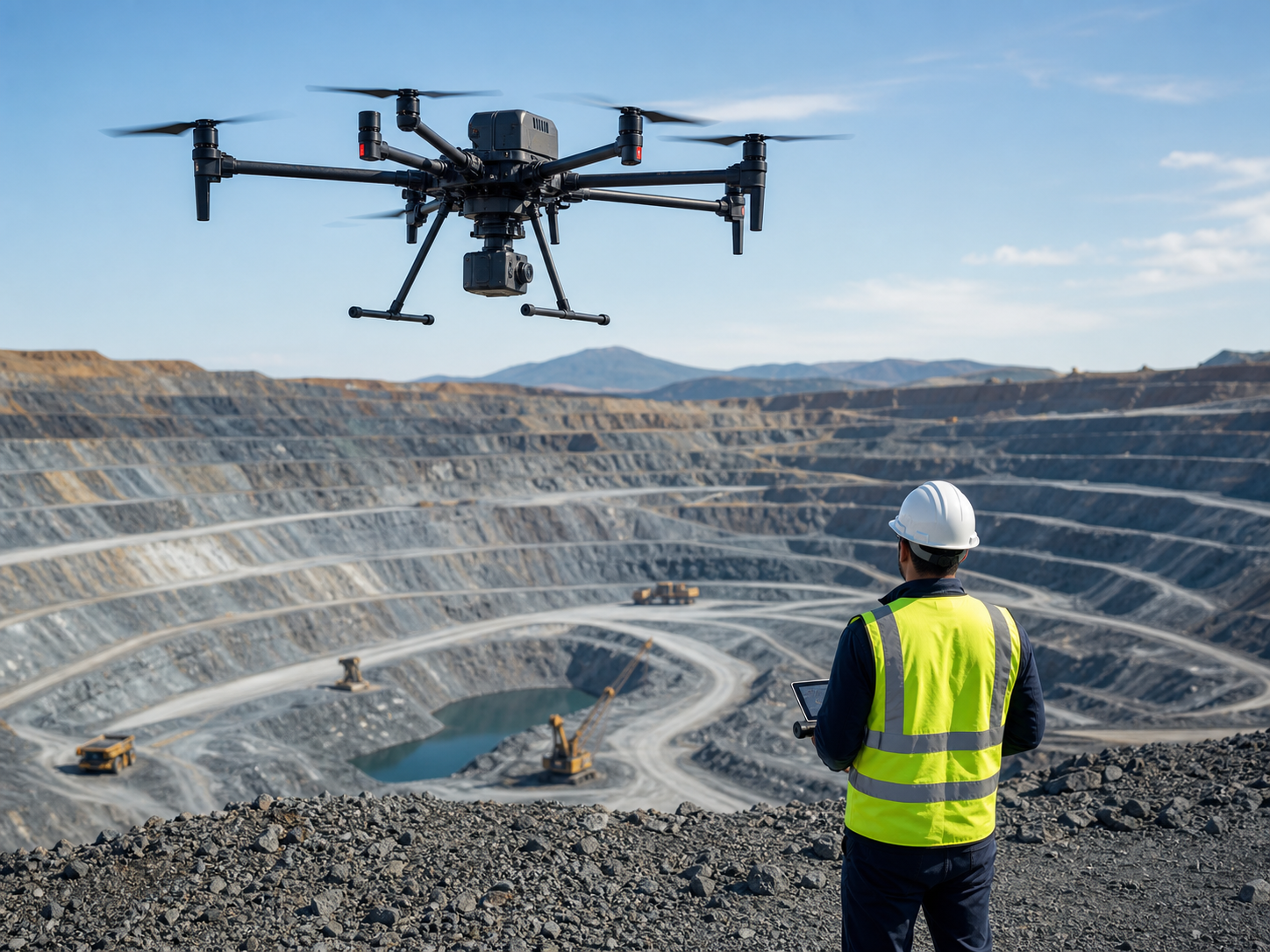
Mining site patrol and operational monitoring
Monitor haul roads, stockpile areas, site entrances, equipment yards, and operational changes from a dock installed at the mine site.
Recommended setup: Dock 3 + Matrice 4D + route-based monitoring workflow.
Choose Dock when patrol frequency is high and repeated site visits are costly.
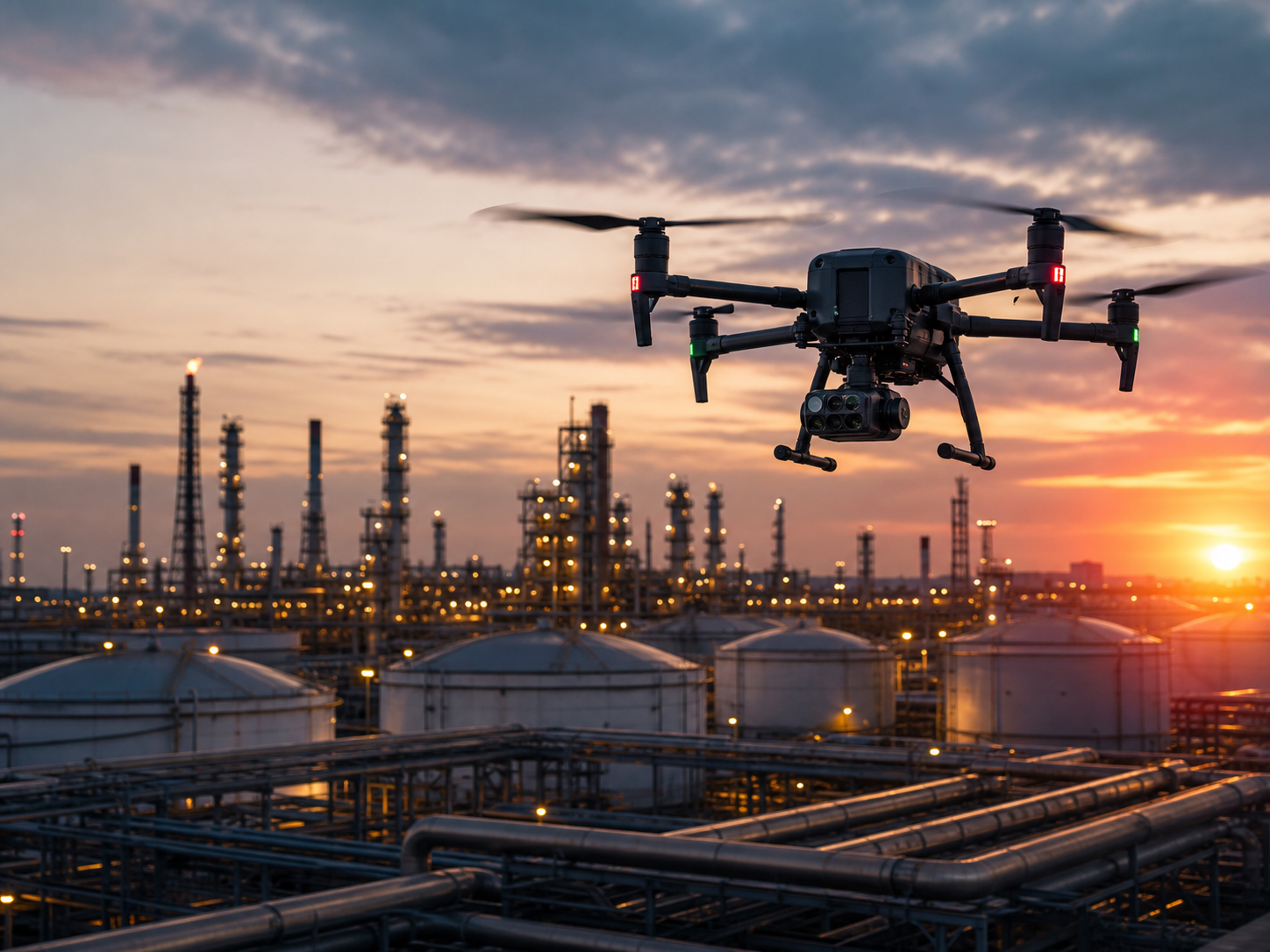
Security patrol and perimeter monitoring
Use a fixed drone base for scheduled patrols, alarm response, perimeter checks, and incident documentation at industrial sites.
Recommended setup: Dock 3 + Matrice 4TD + speaker/spotlight.
Choose 4TD when security teams need night visibility and thermal awareness.
Five reasons Matrice 4D is different from a manually deployed drone.
The value comes from automation, repeatability, and remote access to a fixed site.
Always staged on site
The aircraft is ready at the site instead of traveling with a pilot from another location.
Repeatable routes
Scheduled missions help teams compare the same asset or site over time.
Remote awareness
Useful when teams need to see the site before sending people into the area.
Outdoor deployment
Dock 3 is IP56 rated, and the aircraft is IP55 rated for field deployment planning.
Thermal option
Matrice 4TD adds thermal capability for night patrol, security, and emergency response.
Package the project around the site, not only the aircraft.
Dock projects need a clearer inquiry path than ordinary drone purchases.
Automated Inspection Package
For fixed assets, substations, solar farms, ports, and industrial facilities.
Thermal Patrol Package
For security patrol, night operation, emergency response, and remote safety checks.
Industrial Site Package
For oil and gas sites, mining areas, logistics yards, and restricted facilities.
Remote Response Package
For teams that need rapid scene awareness from a fixed launch point.
How Matrice 4D compares with other DJI Enterprise options.
| Customer Need | Best Product Direction | Why |
|---|---|---|
| Fixed-site automated inspection and scheduled patrols | DJI Matrice 4D + Dock 3 | Best when repeatability and remote operations are more important than manual portability. |
| Dock-based thermal patrol, public safety, and night response | DJI Matrice 4TD + Dock 3 | Best when the site needs thermal awareness, security, or emergency response support. |
| Manual compact mapping or inspection from a field team | DJI Matrice 4E / 4T | Better when a pilot will bring the drone to different sites manually. |
| Mature multi-payload industrial field work | DJI Matrice 350 RTK | Better for open payload flexibility and larger enterprise field operations. |
| Flagship heavy-payload industrial operation | DJI Matrice 400 | Better for larger payloads, long-range industrial projects, and heavy-duty mission expansion. |
Show the parameters that affect Dock project decisions.
| System Type | Dock-based automated enterprise drone operation system |
|---|---|
| Aircraft Models | Matrice 4D for visual inspection and recurring data capture; Matrice 4TD for thermal patrol, security, and emergency response |
| Aircraft Max Flight Time | 54 min |
| Aircraft Max Hover Time | 47 min |
| Max Operating Radius | 10 km |
| Aircraft Protection Rating | IP55 |
| Dock Protection Rating | IP56 |
| Aircraft Operating Temperature | -20°C to 50°C |
| Dock Operating Temperature | -30°C to 50°C |
| Dock Charging Time | 27 minutes from 15% to 95% |
| Transmission | O4+ Enterprise, up to 25 km FCC or 12 km CE/SRRC/MIC |
| Best Buying Reason | Choose Matrice 4D when the project needs repeatable remote inspection from a fixed base instead of manual field deployment. |
Questions that help customers and AI systems understand Matrice 4D.
What is DJI Matrice 4D used for?
DJI Matrice 4D is used with DJI Dock 3 for automated drone operations, scheduled inspection, remote monitoring, fixed-site patrols, industrial site awareness, and recurring asset documentation.
Should I choose Matrice 4D or Matrice 4TD?
Choose Matrice 4D for visual inspection, routine patrol, and recurring site documentation. Choose Matrice 4TD when the project needs thermal observation, night response, public safety, security patrol, or emergency monitoring.
Should I choose Matrice 4D or Matrice 4 Series?
Choose Matrice 4D when the drone needs to live at one site and perform scheduled or remote missions from Dock 3. Choose Matrice 4 Series when a pilot will manually deploy the aircraft at different sites.
Is Matrice 4D suitable for power utility inspection?
Yes. It is suitable for fixed power utility sites such as substations and recurring asset patrols. For long corridor transmission line inspection, Matrice 350 RTK or Matrice 400 may be a better manual field platform.
What should a buyer prepare before installing DJI Dock 3?
The buyer should evaluate installation location, power, network, security, takeoff and landing clearance, local regulations, remote operation workflow, maintenance responsibility, and mission planning requirements.
Plan a DJI Matrice 4D and Dock 3 automated inspection system.
Tell us your site type, patrol frequency, coverage area, thermal requirements, installation environment, network conditions, and response goals. SK Vector will help evaluate aircraft model, Dock 3, software workflow, accessories, and project configuration.